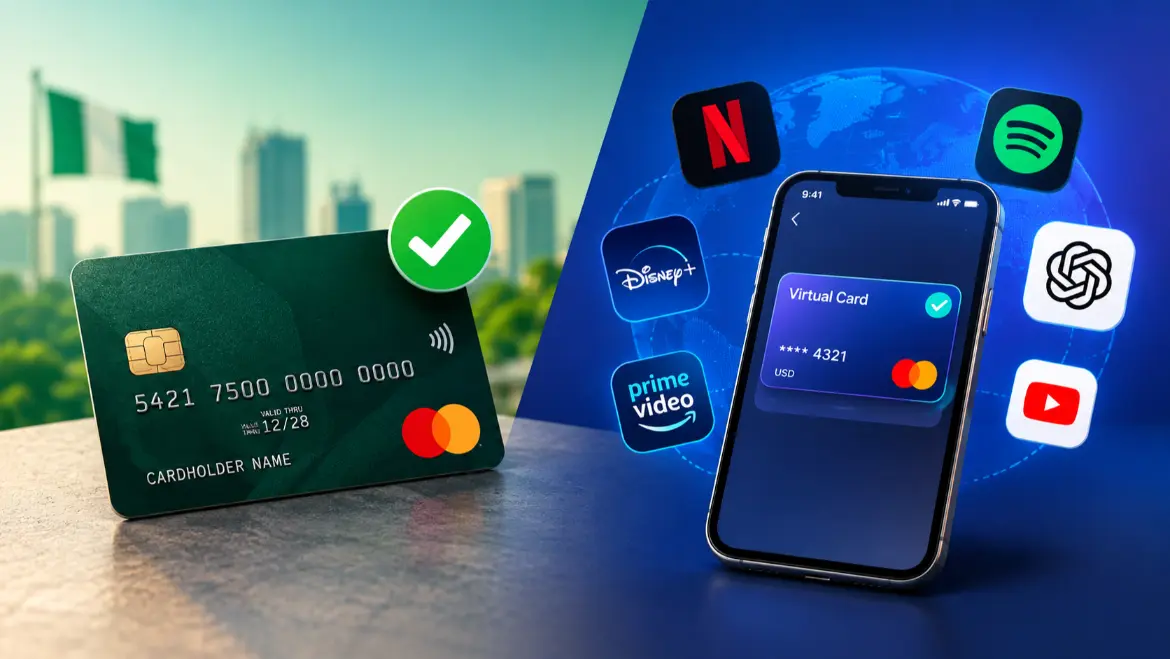
The multi-year frustration of seeing “Transaction Declined” when trying to pay for global digital services with a Nigerian bank card is finally easing up. Following a series of foreign exchange market reforms and an increase in dollar liquidity, major commercial banks in Nigeria have reactivated international spending on naira-denominated debit cards, expanding limits far beyond what was previously available.
If you need to pay for services like Netflix, Spotify, Apple iCloud, ChatGPT Plus, or Amazon Prime, you no longer have to immediately rely on complex third-party workarounds. However, because bank policies shift frequently and certain domestic card categories remain restricted, a smart combination of restored bank cards and fintech virtual dollar cards represents the best path forward.
The Current State of Naira Cards for International Payments
For several years, Nigerian financial institutions completely suspended the use of naira-funded debit cards for international transactions due to acute dollar scarcity. To pay a basic bill online, you were forced to open a foreign currency domiciliary account or use fintech apps.
Commercial banks have dramatically reversed this trend. Financial institutions like Guaranty Trust Bank (GTBank), United Bank for Africa (UBA), Wema Bank, First Bank, and Access Bank have fully restored global online spending capabilities on their standard naira cards. Even better, the limits are remarkably high. For instance, GTBank raised its quarterly international spending limit on naira cards to $40,000, a massive jump from previous constraints. Financial institutions like Access Bank allow up to $2,000 to $3,000 monthly for standard and premium card tiers.
This means your primary approach should always be trying your standard bank card first. If it goes through, you avoid extra card maintenance expenses and multiple conversion steps.
Method 1: Paying Directly with Your Nigerian Bank Card
Using your existing bank card is the most cost-effective approach, but success depends on knowing your specific card network and account setup.
- Ensure You Are Using a Mastercard or Visa
Domestic-only card networks, such as standard Verve cards, are built strictly for the local Nigerian Inter-Bank Settlement System (NIBSS) network. They do not process through global payment engines like Stripe, PayPal, or international merchant accounts. For cross-border subscriptions, you must use a naira card backed by Visa or Mastercard. - Manually Activate International Settings
Many banks disable global web transactions by default to prevent cross-border fraud. Before trying to check out on an international website, log into your mobile banking app, navigate to the card control settings, and toggle on “International Payments” or “Web/Online Transactions”. - Account for Bank FX Markups
When you pay for a dollar-priced service with a naira account, your bank performs an automatic currency conversion. This transaction happens at the bank’s active settlement rate, which typically includes a localized foreign exchange markup. If a subscription costs exactly $20, do not leave just the bare minimum equivalent in your account. Keep a buffer of an extra ₦2,000 to ₦5,000 to accommodate processing fees and minor daily rate fluctuations.
Method 2: Utilizing Fintech Virtual Dollar Cards (The Fallback Plan)
While major banks have loosened their restrictions, direct naira card payments can still fail. Some international merchants flag all cards originating from Nigerian IP addresses, while others fail to pass the 3D-Secure (OTP) verification steps required by local banks. Furthermore, niche services or advertising networks occasionally block traditional consumer debit networks entirely.
When your standard card gets rejected, the most reliable workaround is a virtual dollar card. These are digital-only cards generated inside fintech apps. They carry a valid 16-digit card number, CVV, and expiration date, but they are natively denominated in US dollars. You fund them by making a local naira bank transfer to your fintech wallet, which converts the money into USD instantly inside the app.
| Virtual Card Provider | Primary Funding Route | Notable Characteristics & Fees |
| Chipper Cash | Naira Bank Transfer | Natively supported on Netflix, Apple, and Spotify; includes transaction charges. |
| ALAT by Wema | In-app Bank Account funding | An official digital bank offering that uses standard bank FX rates with an in-app markup. |
| Geegpay (Raenest) / Grey | Bank Transfer & Foreign Inflows | Ideal for freelancers who need to combine international spending with foreign currency receiving accounts. |
| Cardify Africa | Local Bank Transfer or USDT | High flexibility for users who prefer funding digital assets via stablecoins or direct cash transfers. |
How to Prevent Virtual Card Declines
The single biggest mistake users make with virtual dollar cards is keeping an exact balance. Many subscription platforms (like OpenAI’s ChatGPT Plus or Amazon Prime) initiate a temporary $1 pre-authorization hold to verify that a card is active before charging the actual subscription price. If your card has exactly $20 loaded for a $20 service, the pre-authorization check will consume $1, leaving only $19 for the main transaction, causing an immediate decline. Always maintain a $2 to $5 balance headroom above your subscription price to ensure seamless renewals.
Specialized Subscriptions: The Local Currency Exception
Before moving funds into a virtual dollar card, double-check how the specific merchant processes its African billing. A few major international giants have localized their billing frameworks specifically for the Nigerian consumer market.
The prime example is Netflix. Netflix explicitly bills its Nigerian subscribers in Naira (NGN), offering tiered monthly structures. Because these are processed locally, a standard domestic naira card including basic Verve cards will usually process successfully without triggering international limits, provided your bank account has web transactions activated. If you use a USD virtual card on a platform that natively bills in Naira, you will get hit with a double-conversion penalty: your naira funds are converted to USD to fund the card, and the card merchant converts that USD back to Naira to settle the bill. Always prioritize standard local cards for localized billing platforms.
Actionable Checklist for Smooth Digital Payments
To ensure your monthly applications, cloud storage, and streaming services never experience a service interruption, stick to this order of operations:
- Audit your current cards: Swap out domestic-only cards for standard Visa or Mastercard options issued by liquid commercial banks.
- Review your app configurations: Log in to your bank’s portal to ensure cross-border web channels are explicitly enabled.
- Establish a secondary fallback: Keep a verified fintech wallet like Chipper Cash or Geegpay (Raenest)active and ready with a modest dollar float for platforms that refuse local bank origins.
- Monitor your transaction histories: Keep tabs on the active exchange rates utilized by your bank, as card settlement rates adjust daily depending on macro-market conditions.